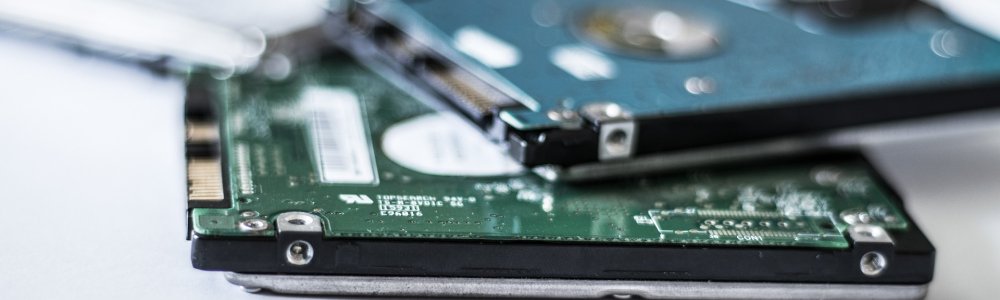
I had a situation where zpool on external USB disk would not get imported automatically at boot time. but manual zpool import extwd worked fine. I guessed rc script which imports known zpools at boot time runs before USB disk gets attached, so I looked for mechanism which would trigger import on attach. In FreeBSD this can be done with devd - device state change daemon.

I have recently moved my MX server to a new IPv4 address. Admittedly, new IPv4 address is in quite bad neighbourhood, a residential /24 pool provided by ISP who doesn't filter outgoing SMTP by default. Most other IPv4 addresses in this pool have quite poor reputation, probably without their users even knowing their malware infested devices are being used to send spam. It took less than a week since I took over this new IPv4 for it to get dropped from most of lists such as spamhaus which actively monitor and list spamming IP addresses, delisting them automatically when spamming stops.

Having broadband access to the Internet is ubiquitous in most households in Europe. The setup usually comprises of a device provided by ISP (Internet Service Provider) - commonly known as router - which connects to ISP's infrastructure over fiber or coaxial cable, and provides Internet connectivity to devices on home LAN (Local Area Network) connected to it. A router usually provides a few LAN ports for plugging wired devices such as desktop computers, as well as WiFi network to which wireless devices such as laptops, tablets, mobile phones, and increasing number of other types of appliances connect by means of selecting provided WiFi network and typing in its password. Once connected, one can browse webpages, engage in social networking, send and receive emails, watch movies and listen to music on various streaming platforms, play online games, chat by means of text messages, audio or video calls, do online shopping or banking or any of other things that people usually do "on the Internet". Most people can't be bothered to try to understand actual mechanisms which give them access to the "Internet". Recently, however, I have noticed that more and more people around me begin to understand that Internet isn't just a thing they access and use. They start to intuitively feel that Internet is also accessing and using them, sometimes to their disadvantage, and they start to ask me how it does that and how can it be prevented. Answers to those questions exist, and are quite exact, but they require quite a bit of reading and understanding. The following article tries to explain most basic terminology of home networks.